Software
HR Software vs Excel: Why Growing Businesses Are Switching

Most growing businesses start with Excel for HR and payroll. It’s free, familiar and flexible. But as the team grows from 20 to 50 to 200 employees, the spreadsheets start causing problems: late salaries, disputes over attendance, and an HR team buried in manual work.
Here is an honest comparison to help you decide when it’s time to move to HR software.
Where Excel works well
- Very small teams with simple salaries
- One person managing all HR records
- No shift work, overtime or complex leave rules
If this describes your business, Excel may be enough for now.
The warning signs
It’s time to consider HR software if you notice any of these:
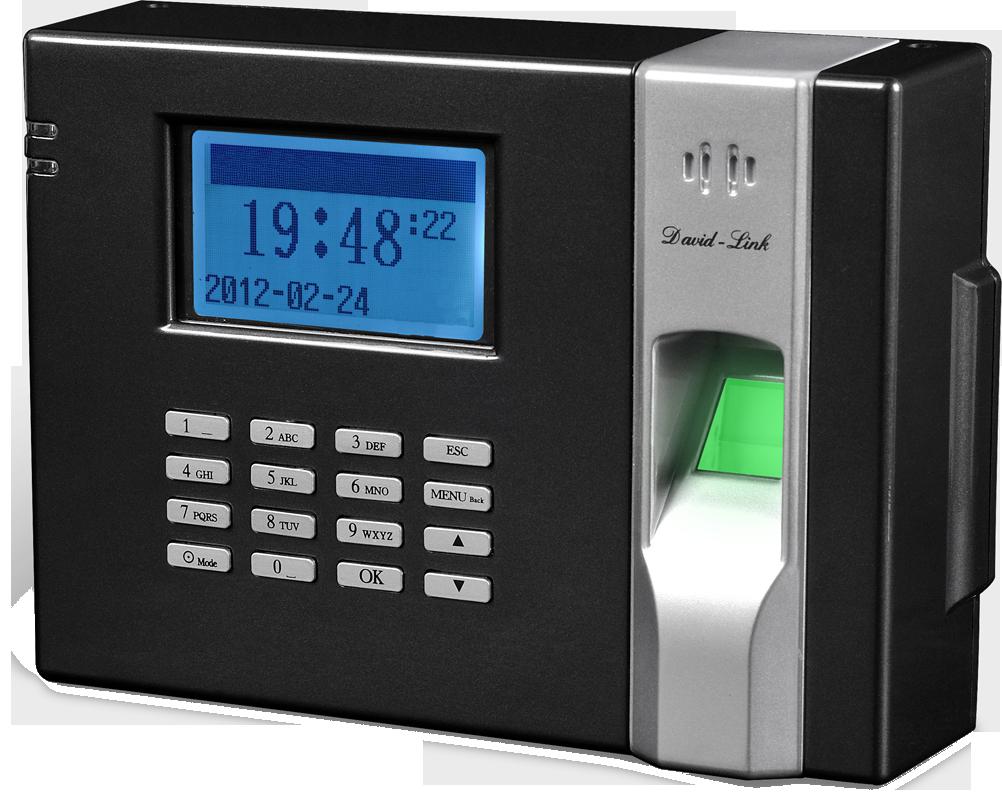
- Attendance is copied by hand from the biometric machine into Excel every month.
- Leave balances are argued about, because nobody is sure what the correct figure is.
- Payroll takes days, and small formula mistakes lead to wrong salaries.
- Approvals happen on WhatsApp, with no record.
- Only one person understands the file, and HR stops when they are on leave.
- Management asks for reports, and building them takes hours.
Side-by-side comparison
| Task | Excel | HR software |
|---|---|---|
| Attendance | Imported or typed manually | Pulled automatically from biometric devices |
| Late, overtime and shifts | Complex formulas | Calculated by rules |
| Leave | Balances tracked by hand | Online requests and automatic balances |
| Payroll | Error-prone, slow | Processed in a few steps with payslips |
| Approvals | Paper and WhatsApp | Online workflow with history |
| Employee documents | Scattered folders | One profile per employee |
| Reports | Built manually | Ready-made and exportable |
| Access and security | Shared files | Role-based logins |
The hidden cost of spreadsheets
Excel feels free, but it isn’t:
- HR hours: time spent copying, checking and fixing data every month.
- Payroll errors: overpayments are hard to recover; underpayments hurt morale.
- Disputes: arguments over attendance and leave take managers away from real work.
- Risk: one deleted or corrupted file can lose months of records.
What to look for in HR software
- Payroll that handles your allowances and deductions
- Leave and approval workflows
- Modules you can grow into: recruitment, performance, assets, expenses and final settlement
- Real support for setup, data migration and training, whether on-site or online

How to switch without disruption
- List your current policies: shifts, leave types, allowances and deductions.
- Clean up your employee data in Excel. It will be imported into the new system.
- Run the new system and Excel in parallel for one payroll month to compare results.
- Train HR staff and managers, then switch fully.
Frequently asked questions
Is HR software only for large companies?
Can we keep our current attendance machines?
How long does it take to go live?
It depends on the number of employees and policies, but a parallel payroll month is a sensible plan.