Business software
ERP, Inventory & POS Software
Sales, stock and accounts on one database — so a sale reduces stock, posts to accounts and prints a tax-compliant invoice in the same step.
- Point of sale
- Inventory
- Purchasing
- Accounts
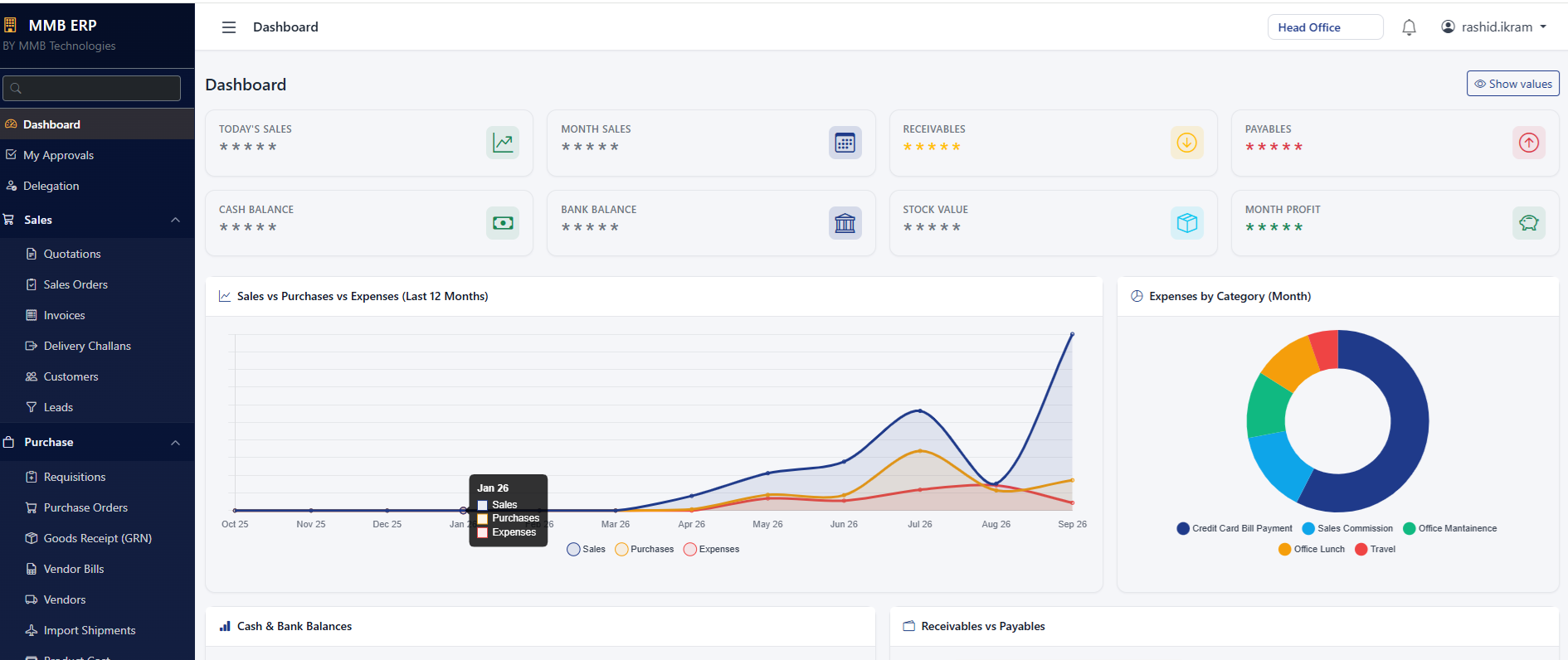
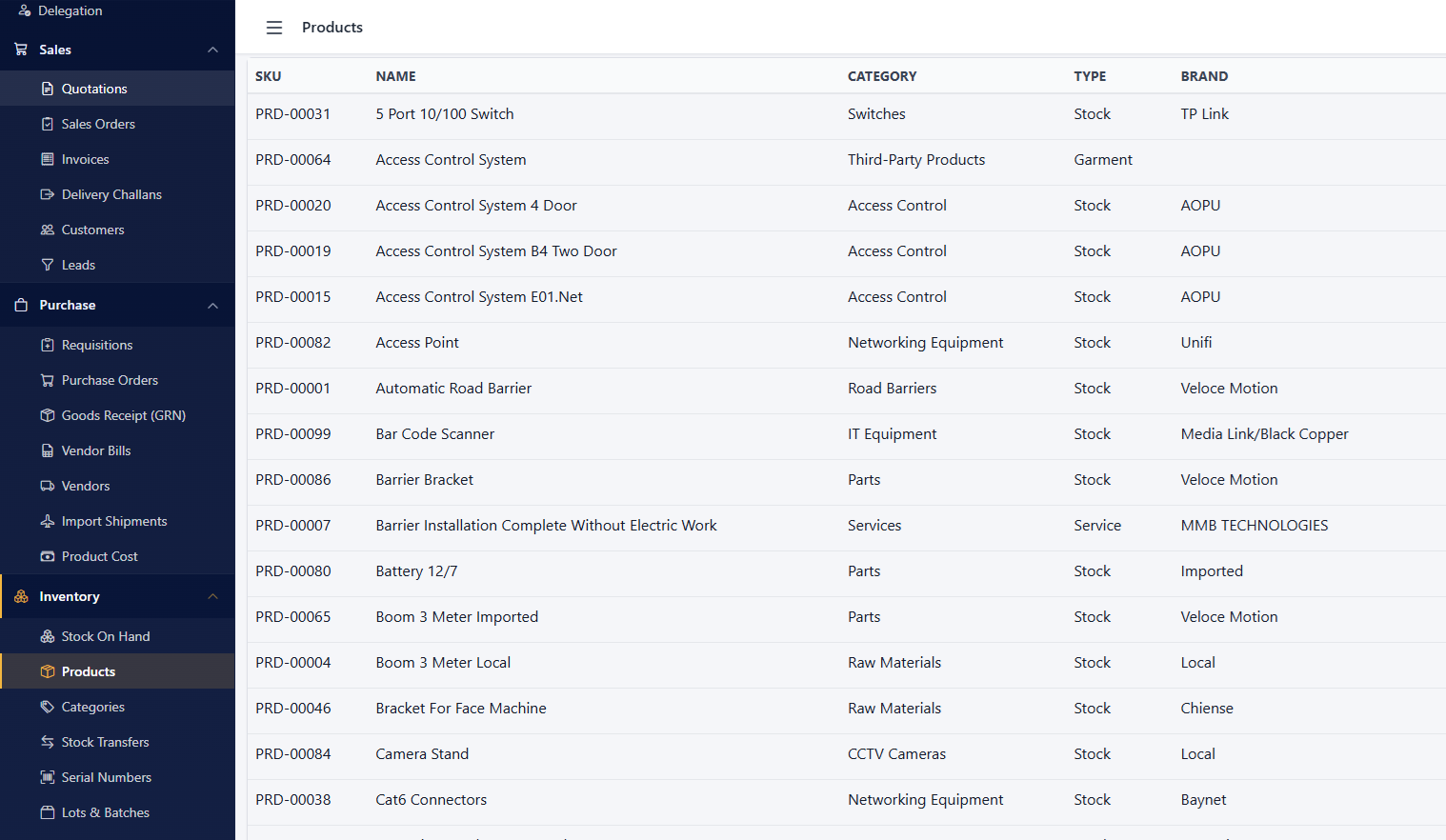
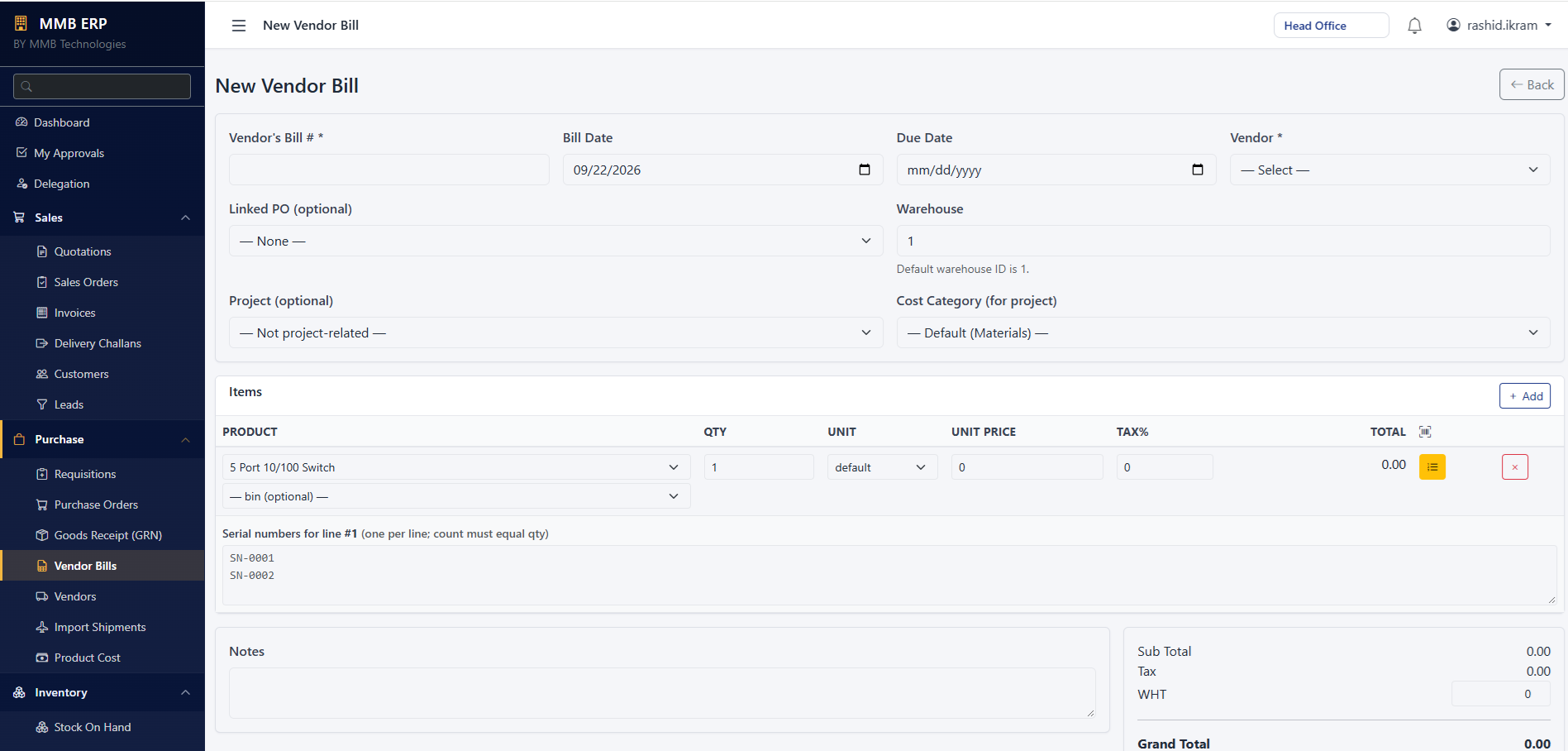
Inside the software
See what your team works with

Features
Point of sale to accounts
Why it reconciles
Sales, stock and bank that agree
Businesses lose money when the sales, stock and bank figures never match.
- One database for sales, stock and accounts
- Shift and cash-drawer reconciliation
- Every discount and return tied to a user
- Tax-compliant invoices from the same sale
Where it’s used
Built for
- Retail & supermarkets
- Distribution & wholesale
- Restaurants
- Multi-branch businesses
In depth
Technical information
Detailed guidance on ERP, inventory & POS software from our implementation team.
Overview
Most businesses do not lose money because they lack software. They lose it because the sales figure, the stock figure and the bank figure never agree, and nobody can say which one is wrong.
Point of sale
Our POS runs on a counter terminal, a laptop or a tablet, and keeps working when the internet does not — transactions queue locally and sync when the connection returns.
- Multiple payment modes: cash, card, bank transfer, wallet and split payments
- Discounts and promotions with role-based approval, so discounts cannot be given quietly
- Returns, exchanges and holds, each logged against the user who processed them
- Shift and cash-drawer reconciliation: opening float, expected cash, counted cash and the variance
- Multi-branch and multi-counter operation with consolidated reporting
- Receipt printing on thermal printers, plus digital receipts by SMS or email
FBR POS integration
Inventory management
Inventory is where the hidden losses live. The system tracks every movement, so variance becomes visible instead of being absorbed.
- Item master with categories, variants, units of measure, barcodes and images
- Multi-warehouse and multi-location stock, including transfers with in-transit tracking
- Batch and expiry tracking for pharmaceutical, food and chemical businesses, with FEFO issue
- Reorder levels and automatic purchase suggestions based on consumption, not guesswork
- Physical stock counts with handheld or mobile scanning and a variance report against book stock
- Costing: FIFO, weighted average or standard cost, with landed cost including freight and duty
- Stock ageing and dead stock reports, so slow-moving capital is identified early
ERP modules
| Module | What it covers |
|---|---|
| Sales and receivables | Quotations, sales orders, delivery notes, invoices, credit limits, customer ageing |
| Purchase and payables | Requisitions, purchase orders, goods receipt, supplier invoices, supplier ageing |
| Inventory | Stock movements, transfers, adjustments, batches, serials, valuation |
| Accounts | Chart of accounts, vouchers, general ledger, trial balance, profit and loss, balance sheet |
| Production | Bill of materials, work orders, material issue, finished goods receipt, wastage |
| Fixed assets | Asset register, depreciation schedules, transfers and disposals |
| HR and payroll | Delivered through our HRIS and payroll software, posting salary entries into accounts |
| Reporting | Dashboards, scheduled reports, and exports to Excel and PDF |
Modules are activated as you need them. Most clients start with sales, inventory and accounts, then add purchase and production once the first phase is running cleanly.
Industries we build for
- Retail and wholesale: supermarkets, garment stores, hardware, electronics and distribution
- Pharmacies and medical stores, with batch and expiry control
- Restaurants and cafes, with table, kitchen-display and delivery order flows
- Manufacturing, with bill of materials, work orders and wastage tracking
- Distribution and logistics, with route-wise dispatch and returns
- Service businesses, with job cards, spares consumption and service invoicing
Controls that protect the business
- Role-based permissions: a cashier cannot edit costs, a storekeeper cannot post journal entries
- Approval workflows for discounts, credit notes, stock adjustments and purchase orders above a threshold
- Full audit trail: every edit and deletion recorded with the user, timestamp and previous value
- Locked accounting periods, so closed months cannot be quietly changed
- Automated backups, with restore tested during implementation rather than assumed
Deployment options
On-premises: installed on your own server, for businesses whose policy or connectivity requires data to stay on site. We specify the server and can supply the network and server room infrastructure to go with it.
How implementation works
- Process study: we sit with your team and map how sales, purchase, stock and accounts actually work today.
- Configuration: chart of accounts, item master, tax rules, branches, users and approval levels.
- Data migration: opening stock, customer and supplier balances, and item history imported and reconciled.
- Pilot run: one branch or one department runs live while the old method continues in parallel.
- Training: role-based sessions for cashiers, storekeepers, accountants and management, with printed guides.
- Go-live: cut-over with our team present on site or on call for the first days.
- Support: helpdesk, periodic reviews, new-report requests and version upgrades.
FAQ
Common questions
Can the POS work when the internet goes down?
Yes. The terminal holds its own data and continues billing offline, then synchronises with head office when the connection returns. No sale is lost.
Can we move our data from our current software?
In most cases, yes. We import item masters, customer and supplier ledgers and opening balances from Excel or from a database export, then reconcile the totals with you before go-live.
Does the system handle multiple branches?
Yes. Each branch has its own stock, counters and users, while head office sees consolidated sales, stock and accounts, with inter-branch transfers tracked in transit.
Can you customise it for our business?
Yes. The software is ours, so we add modules, fields, documents and reports to match how you work. Larger changes are scoped and quoted before development. See custom software development.
What hardware do we need?
A counter machine or tablet, a thermal receipt printer, a barcode scanner and a cash drawer cover most retail counters. We supply and install the hardware along with the software.
Next step
See it with your own products
A live demo of POS, stock and reports — online or in Lahore.
Prefer to talk? +92 42 35786020 · WhatsApp